
Does Your Head Unit Support Dual-Frequency GNSS? GPSTest Shows You What to Look For
 CarMate Apps
You install GPSTest, open the Status page, and see a long satellite list. It is tempting to call that proof that your head unit has dual-frequency GNSS.
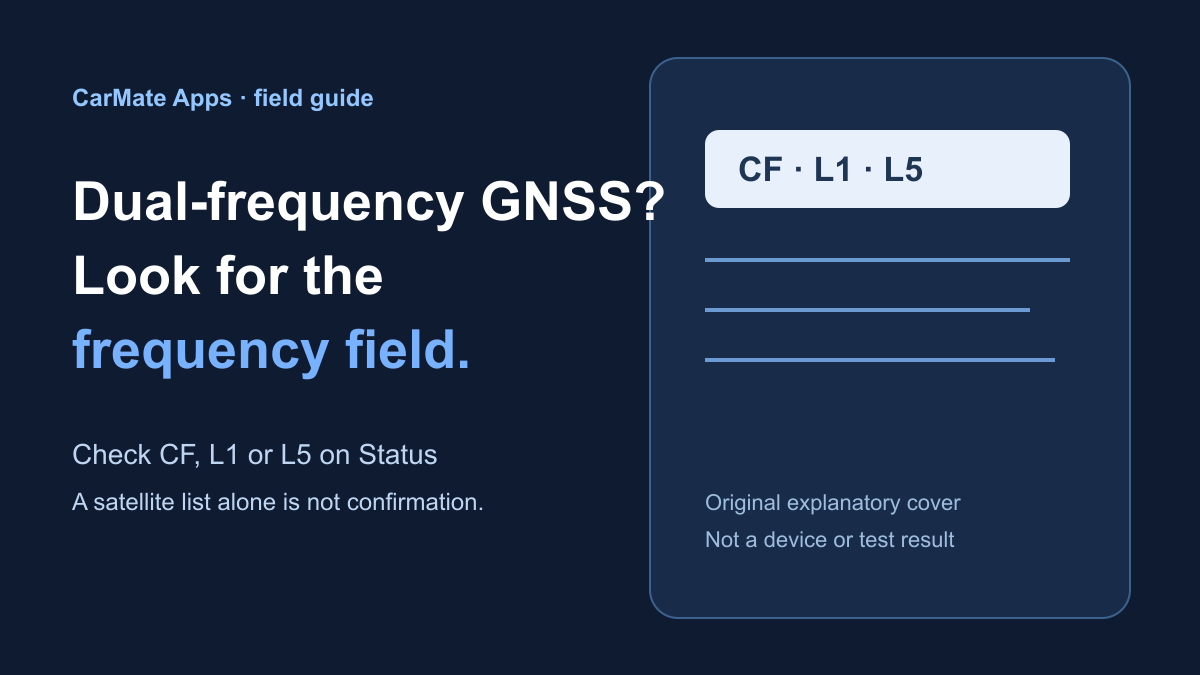
Hold off on that conclusion. The detail to look for is frequency: CF (carrier frequency), or labels such as L1 and L5.
On the head unit checked here, googleRelease-v3.10.6.apk was selected in the installer and GPSTest opened its Status and Map pages. The Status capture has a CF column, but no frequency values in it; no L1 or L5 labels are visible. So the app opened, but dual-frequency GNSS remains unconfirmed.
Start on Status, not on the map
Open Status and look across the satellite table. GPSTest points you to frequency information such as CF, L1, or L5 when checking GNSS bands.
A satellite list or a map is not a substitute for that detail. They may be useful screens to have open, but they do not show which frequency bands are being reported.
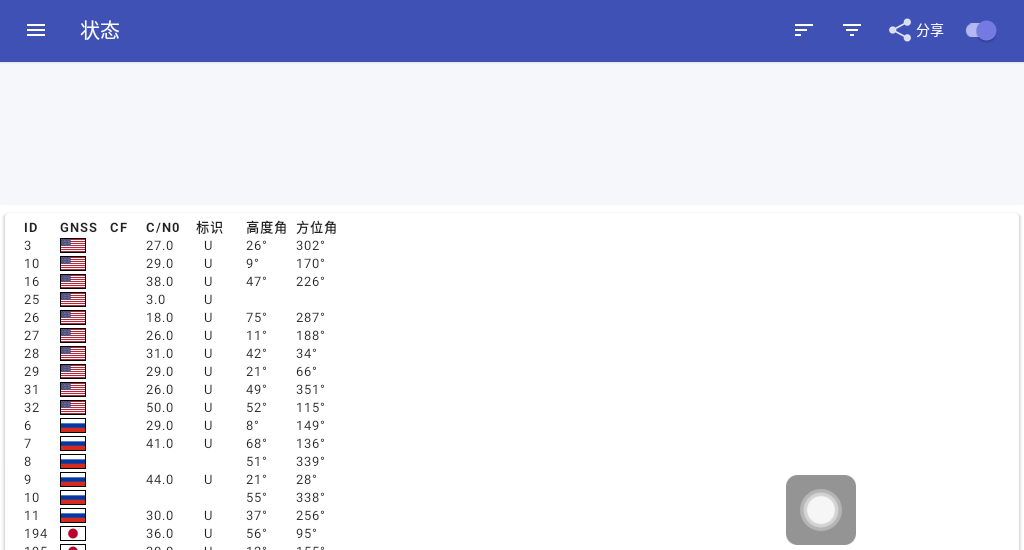
The Status page is where to look for frequency information. This example has a satellite list, but it does not show a CF value or L1/L5 label.
What this check actually shows
This check shows that the selected APK was used to open GPSTest on the Status and Map pages.
It does not show the frequency detail needed for a dual-frequency call. There is no reason to turn a map view or a satellite list into more than it is.
When dual-frequency is worth caring about
It can be worth checking if you often drive in difficult surroundings, where dual-frequency GNSS may help.
That is not a promise about positioning performance. The useful buying question is simpler: does the head unit actually report the frequency information that supports the dual-frequency claim?
A quick way to use GPSTest before you decide
If a head-unit listing says “dual-frequency GNSS,” look for CF, L1, L5, or a similar frequency field on GPSTest Status for that unit.
You do not need to turn this into a satellite-engineering lesson. You only need enough information to tell whether “dual-frequency” is a real feature of the machine in front of you.
Download the build checked here
The build used here was GPSTest 3.10.6: googleRelease-v3.10.6.apk, package com.android.gpstest.
Its download entry is this Telegram message. It belongs to a private group or channel, so you need to be signed in to Telegram and already be a member. There is no extraction code.
The simple takeaway
GPSTest is a good way to look for dual-frequency GNSS, but the satellite list and map are only the starting point. Look for CF or L1/L5 on Status. If that information is not there, treat dual-frequency as unconfirmed. For the head unit shown here, GPSTest opened, but the current Status screen does not confirm dual-frequency GNSS.
 CarMate
Car-friendly apps worth installing. We filter; you decide.
LV5 Grade
403 Fans
489 Likes
6002 Experience