
Resistive or capacitive: which touchscreen fits your head unit use?
 CarMate Hardware
You are comparing two head units and each seller treats its touchscreen type as the obvious winner.
If that sounds familiar, this post answers one practical question: the practical differences and what matters for real in-car use. You do not need to memorize the jargon; you need a reliable way to judge and check.
The short answer
Choose by touch behavior, glove use, display construction, durability and your actual needs—not by a premium label.
Why this is easy to misread
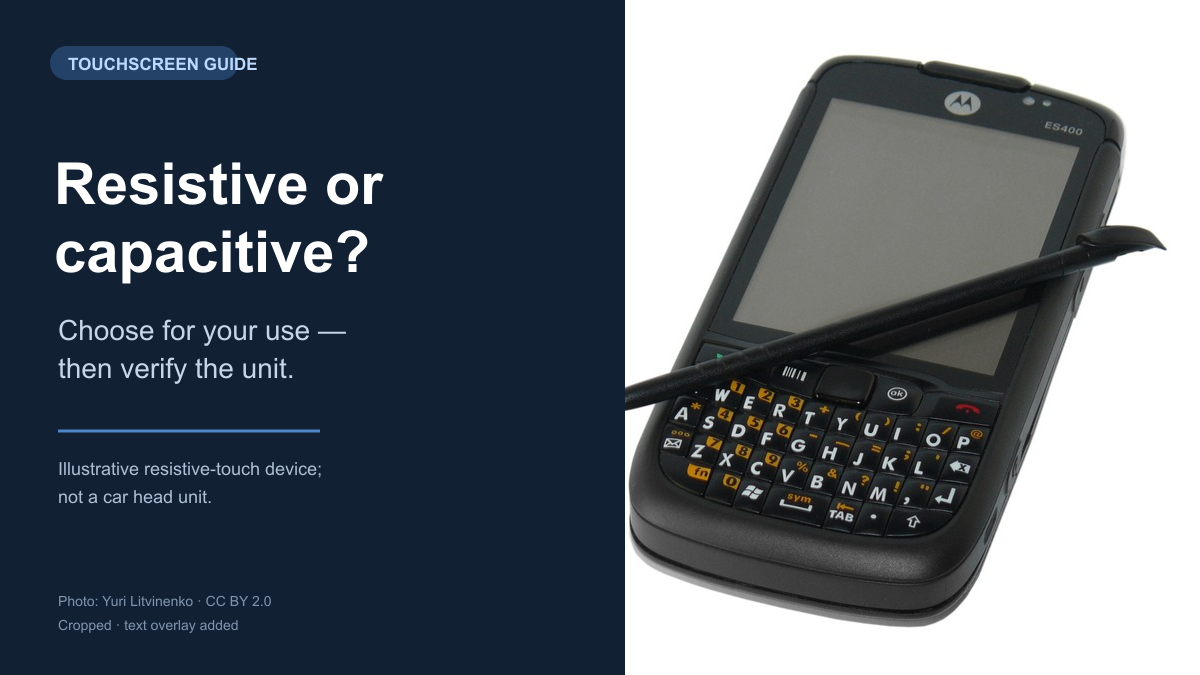
Resistive touch detects pressure through conductive layers, so a passive stylus or many gloves can operate it.
Capacitive touch senses a conductive contact and is commonly associated with smooth gestures, multi-touch and a glass surface.

Figure 1. A capacitive touchscreen panel with visible conductive tracks. This is a mobile-phone component example, not a car-head-unit test. Photo: Medvedev, CC BY 3.0, resized.
Source: Capacitive touchscreen.jpg by Medvedev, CC BY 3.0. Resized for this article.

Those are general principles, not universal product guarantees.
A resistive panel is not automatically limited to one point, while a capacitive panel does not automatically support ten touches, wet fingers or gloves.
Accuracy, durability and temperature behaviour depend on the sensor, controller, cover material and firmware.
Touch technology also does not determine image quality.
Panel type, exact horizontal-by-vertical pixel count, brightness, optical bonding (gluing the display layers together with almost no air gap) and reflections are separate display characteristics.
For an in-car screen, test edge taps, dragging, pinch gestures, gloves, accidental wet touches and sunlight readability while the vehicle is parked.
Do not use sharp objects, excessive force or liquid as a test method.
What to do next
- Choose by touch behavior, glove use, display construction, durability and your actual needs—not by a premium label
- Change one thing at a time and test again.
- If the evidence does not match, stop and confirm with the vendor instead of guessing.
What you can judge after reading
The next time this happens, you will not rely on one badge, screenshot or sales claim. You will be able to answer the practical question: the practical differences and what matters for real in-car use.
Editorial note: This post is based on recurring questions and public sources. It does not describe a specific owner's experience.
Tags
#Touchscreen #CapacitiveTouch #ResistiveTouch #CarDisplay #AndroidHeadUnit
 CarMate
Chips, boards and displays without the spec-sheet hype. Trust the docs, not the noise.
LV5 Grade
84 Fans
462 Likes
4765 Experience