
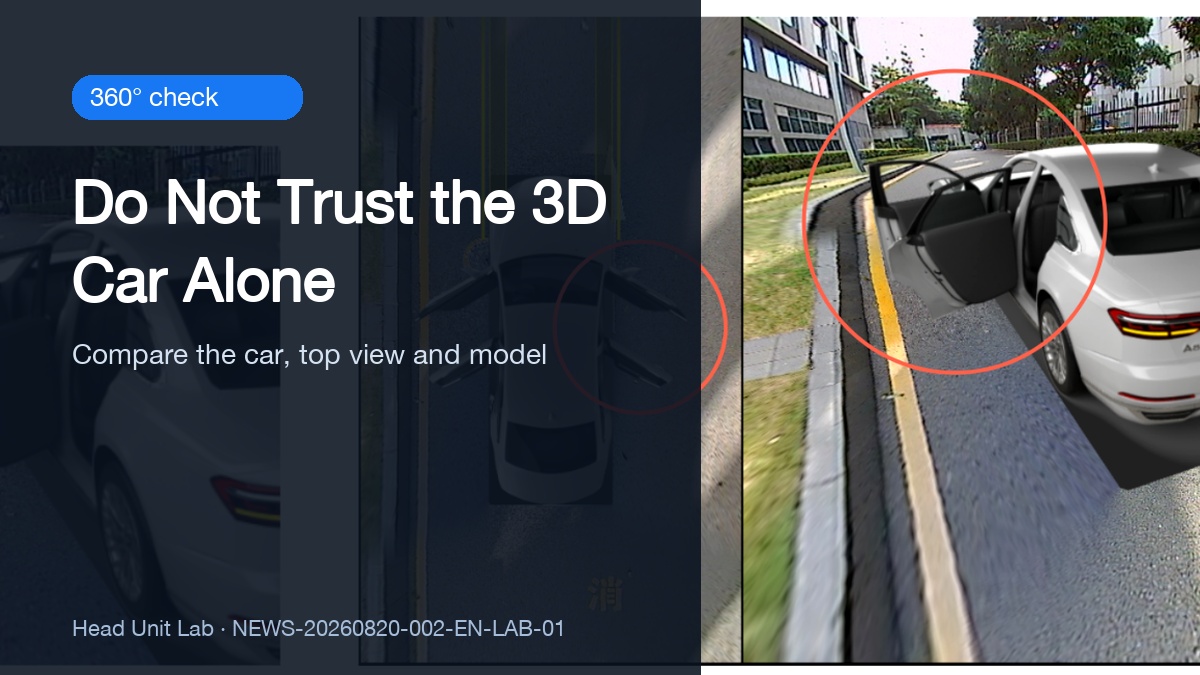
A door looks open in the 360° view: why the 3D model is not the final answer
 CarMate Workshop
A door looks open in the 360° view: why the 3D model is not the final answer
Some 360° camera interfaces show an open door in three places at once: the live image, the top-down car graphic and the 3D model. When all three agree, it is easy to identify the side. But what if they do not?
Trust the physical door and the vehicle's original instrument display first. The 360° interface is a useful visual aid, not the sole confirmation that a door is closed.
What each view contributes
The live view can show the open door itself. The top view marks its position, and the 3D model presents the same side from another angle. The knowledge-base image demonstrates this relationship on one system.
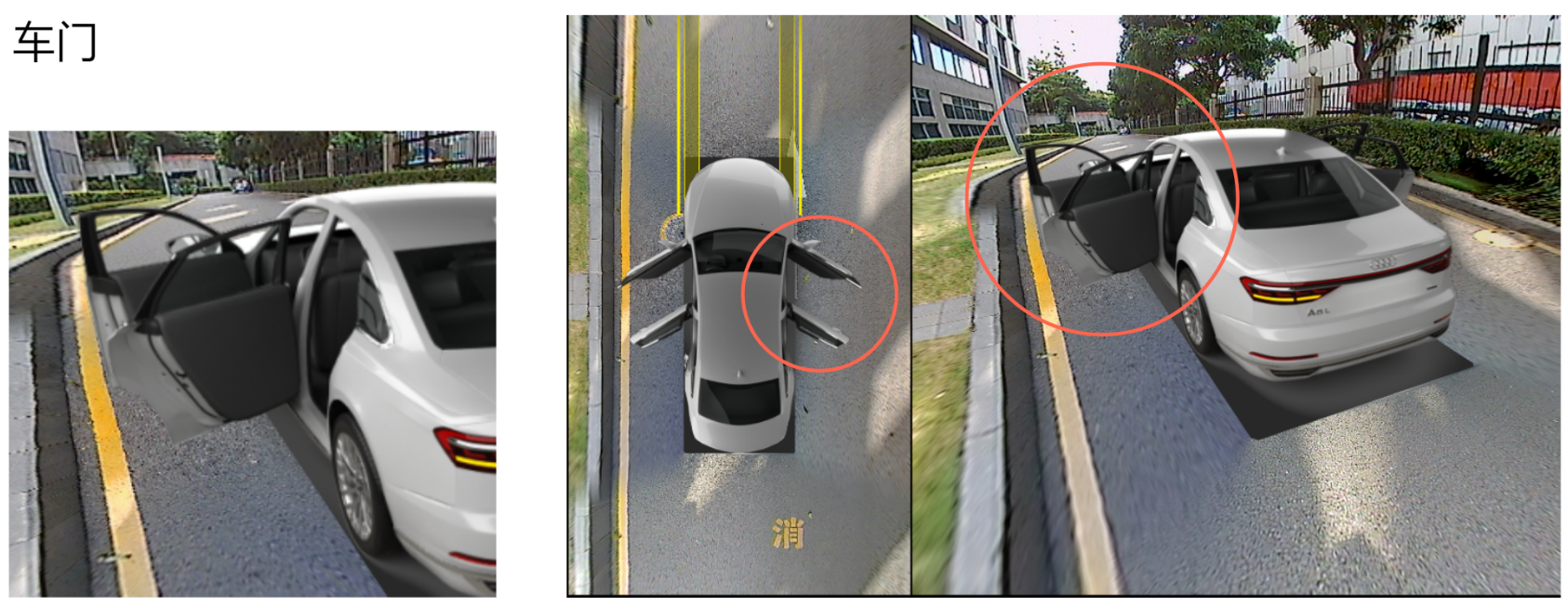
图片说明:The real view, top view and 3D door state from one sample system; not a universal implementation.
It does not prove that every door, vehicle or CAN adapter supports the same integration.
Why the display can disagree with the car
Door status usually depends on vehicle data, protocol or CAN settings, the adapter and software configuration. A mismatch anywhere in that chain may leave the model unchanged or mark the wrong door.
If the screen says closed while the actual door is open, use the real door and the original cluster as the reference. Check the vehicle before driving rather than relying on the animation.
What to record before changing settings
Note the vehicle and model year, head-unit platform, CAN adapter or protocol setting, and software version. Also check whether the problem is limited to one door.
Do not start by changing random factory settings. Without the exact vehicle, platform, CAN protocol and software version, this example cannot be turned into a universal compatibility claim.
In short: use the 3D model to identify the side, but use the car itself to confirm the door is shut.
 360°Safety
Install guides, diagnostics and common head-unit traps. Take the fix or leave it.
LV6 Grade
336 Fans
1044 Likes
11035 Experience