
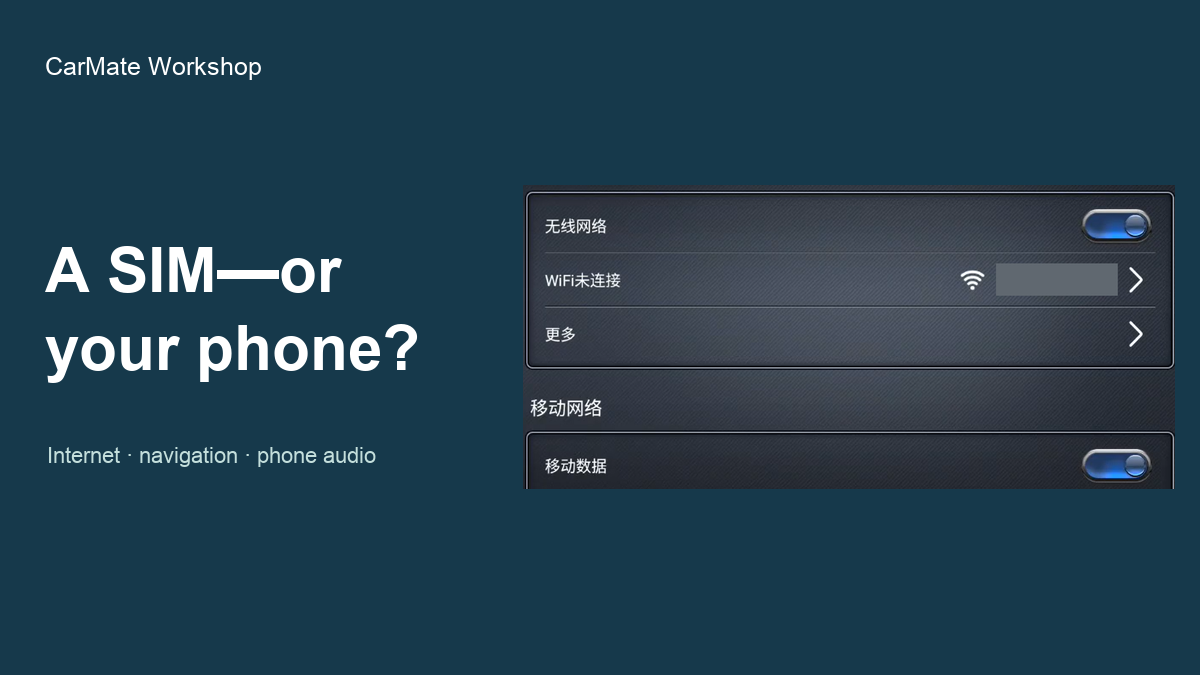
Does your head unit need a SIM, or will Wi-Fi do?
 CarMate Workshop
If you are happy to share your phone's connection, a head unit that connects to its Wi-Fi hotspot is a sensible starting point. If you want the head unit online without depending on the phone, choose a suitable built-in mobile-data setup. Start with that preference, not the number of connection logos in the listing.
For example, you may want online music and live navigation information but be quite happy to bring the phone along. Or you may prefer the head unit to have its own connection. Neither choice has to decide how you make calls or get a location fix; those are separate jobs.
Wi-Fi uses a connection you already have
Wi-Fi can connect the head unit to a suitable available network, including a compatible phone hotspot. Android phones can share their mobile data this way. For that route, the phone supplies the internet connection, so your head unit's online use depends on the phone and its service.
Built-in data is about independence from the phone
If that independence matters, look for a unit whose mobile-data hardware and regional version match the carrier and plan you intend to use. For either route, settle the service details once: some plans restrict hotspot sharing or charge extra, and a 4G label alone is not an assurance that any SIM works anywhere.
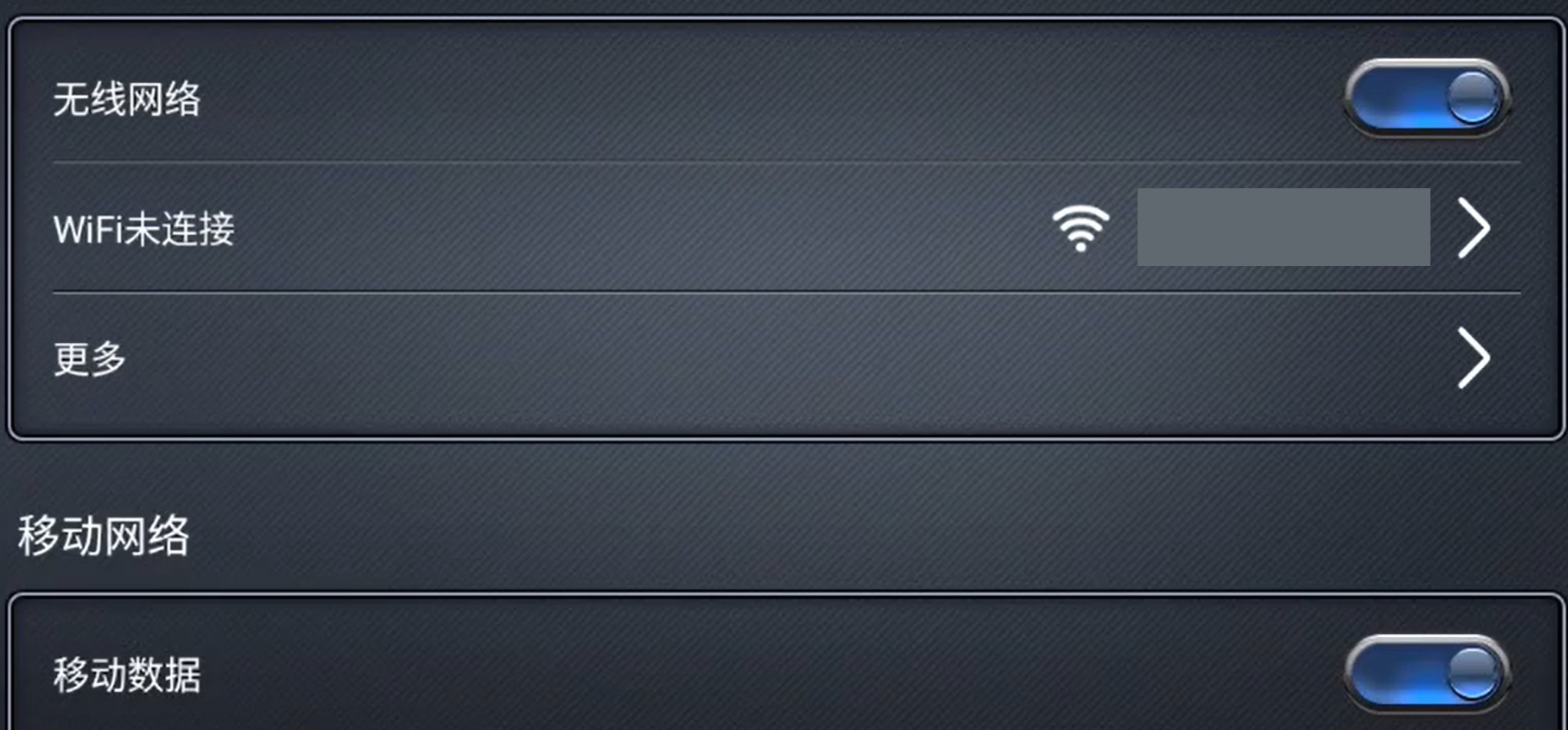
Separate Wi-Fi and mobile-data settings on a Chinese-language head unit.
Navigation needs more than a location fix
GPS/GNSS is about finding your position. Map data and live traffic are different needs. If offline navigation matters to you, look at what your chosen navigation app makes available offline and what still needs a connection.
Google Maps on Android phones and tablets illustrates the difference: a route fully within a downloaded map area can be used offline, but offline driving lacks traffic information and alternative routes. Downloads are unavailable in some regions. That example describes the phone/tablet app, rather than a tested setup on this head unit.
For Bluetooth, think calls and music
If you want hands-free calls and music from your phone, look for both functions on the proposed unit. They use different Bluetooth functions, so a version number is less useful than seeing those jobs supported. If you also want wireless phone projection while using a hotspot, ask about that exact combination of phone and head unit.
Choose the way you want to get online first: share an available connection, or give the head unit its own. Then choose navigation and phone-audio features for the jobs you actually do. More logos are not the goal; useful connections are.
 CarMate
Install guides, diagnostics and common head-unit traps. Take the fix or leave it.
LV6 Grade
336 Fans
1044 Likes
11035 Experience