

Is more RAM worth paying for in an Android head unit?
 CarMate Hardware
Extra RAM is worth considering if you switch between apps often and want more room to keep them ready in the background. If you mostly stick to navigation and music, start with how well those tasks work rather than automatically buying the largest RAM option. Compare otherwise similar units so you know what the extra money is buying.
Picture switching from the map to your music app and back. You want to pick up where you left off, not wait for an app to load again. That is the useful question behind the RAM number on a listing.
What does the extra memory help with?
RAM is the working space used by running apps and the system. Android can keep app processes there after you switch away. When that space comes under pressure, it may remove background processes; opening an affected app again can mean reloading it.
More RAM gives that workload more room, but the apps and the system's background-management choices still matter. Keep the platform and software setup in the comparison too. Buying more RAM is a choice about headroom, not a promise that every part of the unit gets faster.
Storage is a different purchase. It holds apps, files and saved data. A listing with 128GB of storage gives you a storage figure; look separately for the RAM figure when app switching is your concern.
Try the routine you actually care about
For a navigation-and-music routine, ask to see those tasks on the unit you are considering. For frequent switching, use the same apps and settings across the candidates and return to an app after opening the others. Do this while parked. Watch whether it resumes or reloads, rather than comparing the memory numbers alone.
If both options handle your usual routine to your satisfaction, the larger RAM option needs a reason beyond its number. If keeping more apps ready is important to you, extra headroom becomes a more useful place to spend—alongside the system behaviour you have just seen.
One last distinction: a ‘clear memory’ button is a software control. Use the actual RAM specification when choosing a configuration; the button adds no physical memory.
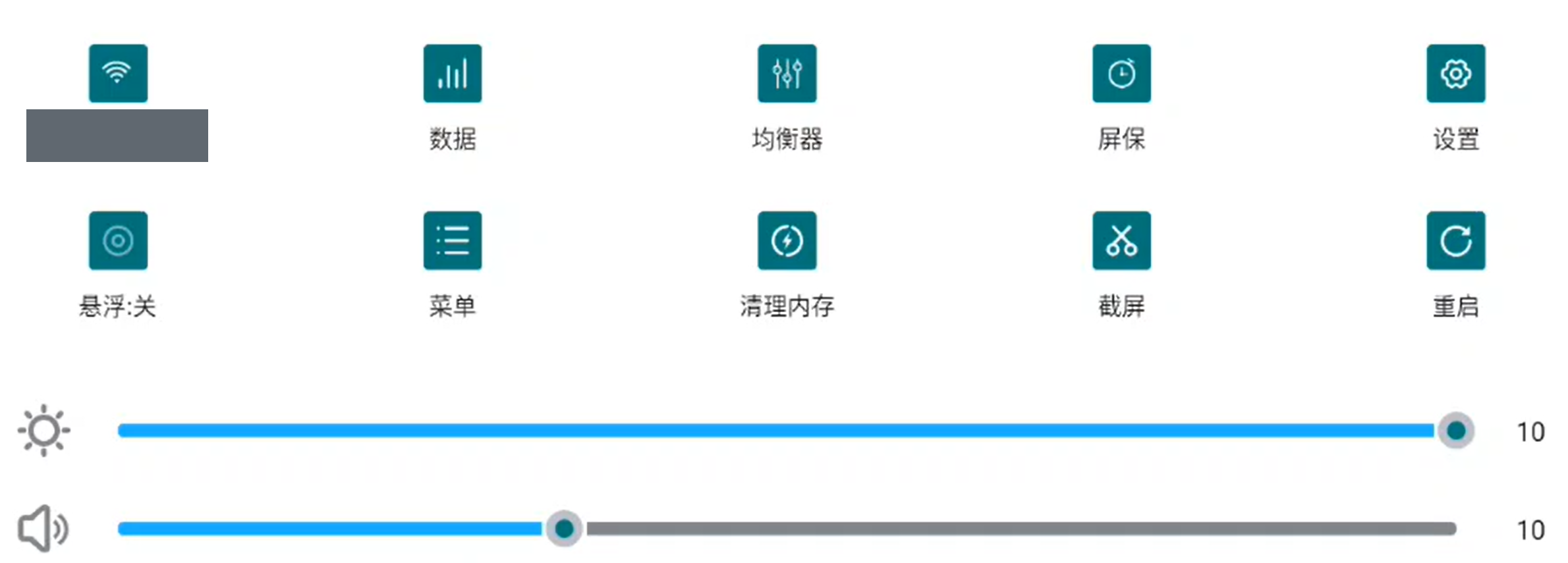
A memory-clearing option in the settings of one head unit.
Pay for RAM when the extra working room suits the way you switch apps. For a simple routine that already works for you, the biggest number does not need to be the default choice.
 CarMate
Chips, boards and displays without the spec-sheet hype. Trust the docs, not the noise.
LV1 Grade
2 Fans
8 Likes
160 Experience